
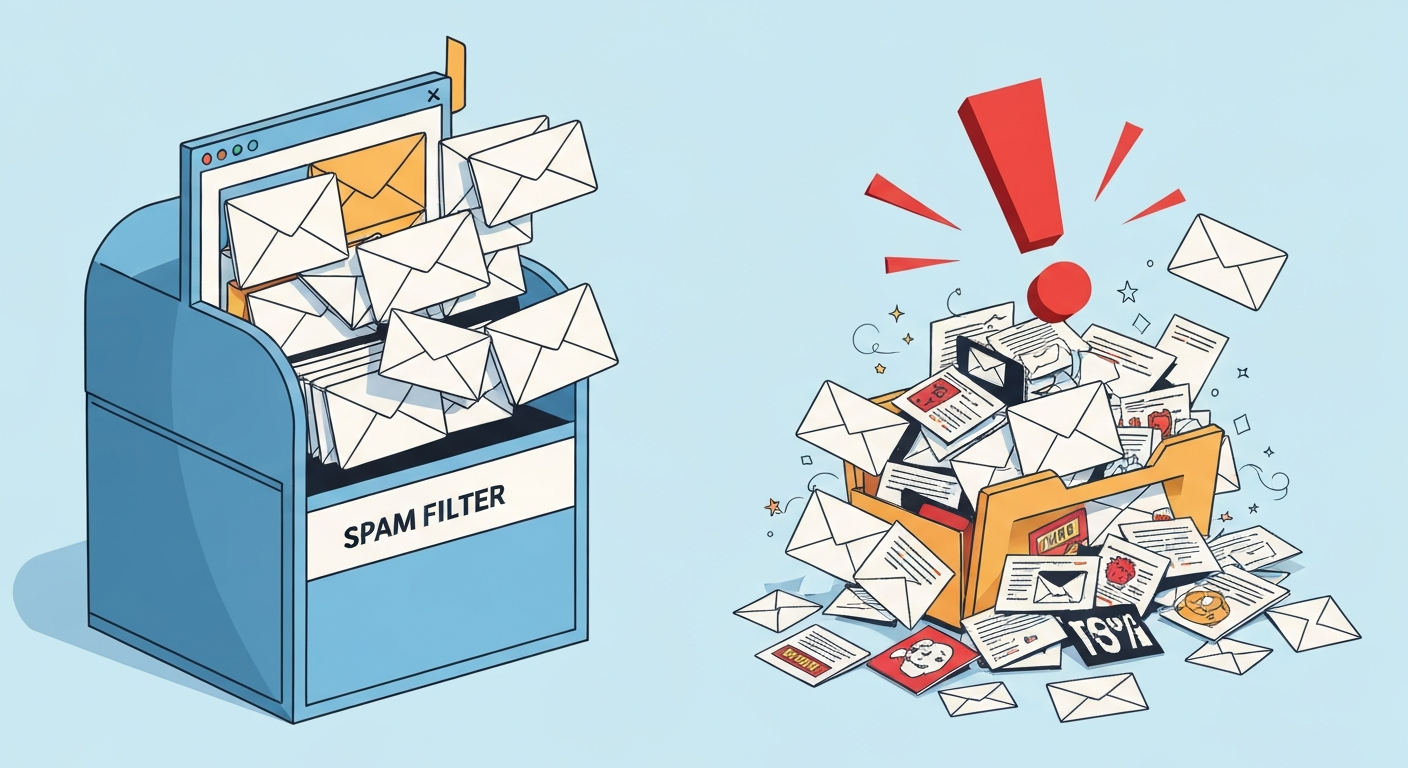
A customer rings to ask where their order confirmation has got to. You can see it was sent. They cannot find it. Somebody suggests they look in their junk folder, and there it is. If your business emails keep going to junk or spam, this is why it happens, and how to stop your emails going to junk.
That is the version you hear about. The version that costs you real money is the quote that landed in a prospect's junk folder three weeks ago, was never opened, and was never mentioned. You did not lose that job on price. You lost it because your email did not arrive in a place anyone was looking.
Almost every time we are called in on this, the cause is the same, and it is not the one people expect.
It is almost never the words in the email
The first instinct is usually to blame the content. Too many images. The word "free". A spam-score checker that gave the newsletter seven out of ten. So the copy gets rewritten, the images come out, and the mail still goes to junk.
Content filtering is real, but it is the last thing a receiving mail server looks at. Long before that, it asks a far simpler question: is this sender actually allowed to send as this company? If the answer is no, or worse, if the answer is unclear, nothing you do to the wording will save it.
The real cause: your domain vouches for some of your senders, not all of them
Here is the setup almost every business we work with has, without ever having decided on it:
- Your staff send email from Outlook, through Microsoft 365.
- Your website, order system or accounts package sends its own email. Order confirmations, dispatch notices, invoices, password resets, enquiry notifications.
Both of those send as yourcompany.co.uk. To a customer they look like the same thing. To the internet they are two completely unrelated systems, and your domain has to publicly authorise both of them.
What normally happens is that whoever set up your email set up the Microsoft 365 half correctly, because that was the job in front of them. Then, a year or two later, a website goes live and starts sending mail as your domain from somewhere else entirely, and nobody updates the record. The staff email is fine. The automated email is the problem, and the automated email is the one carrying your orders and your invoices.
What SPF actually is, in one paragraph
SPF is a single line of text published in your domain's DNS, which is the public directory that tells the internet how to find and verify your domain. That line lists which mail systems are permitted to send on your behalf. When a message arrives claiming to be from you, the receiving server looks that line up and checks whether the message came from one of the systems on it. It costs nothing, and anyone in the world can read it, including your customers' spam filters.
If your sender is on the list, that is a point in your favour. If your sender is not on the list, you have publicly told the world that mail is not yours. The filter believes you.
The two-sender record
A domain sending through both Amazon SES for its automated mail and Microsoft 365 for its staff mail needs both authorised in the same line. It ends up looking like this:
v=spf1 include:amazonses.com include:spf.protection.outlook.com -allThat is a real record, in the shape we deploy it. Three things are worth pointing out about it.
There is one record, not two. This is the single most common way this gets broken. Publishing a second SPF line for the new sender, rather than adding it to the existing one, does not give you two sets of permissions. It invalidates both. A domain is allowed exactly one SPF record, and two is treated as an error.
The -all on the end is the part with teeth. It means "and nobody else", firmly. The softer version, written with a tilde, means "and nobody else, but do not be too strict about it", which is where a lot of domains sit by accident and which gives a filter permission to let impersonation through.
And the order of the two senders makes no difference. It is a list, not a priority.
The limit nobody mentions until it breaks
SPF has a hard limit built into it: checking your record is allowed to trigger ten DNS lookups, and no more. Every service you authorise uses at least one, and some of the big ones quietly use several inside their own entry.
So a domain accumulates senders over the years. Microsoft 365. The website. An email marketing platform. A CRM. A booking system. A survey tool somebody in marketing signed up for. Each one is added by a different person at a different time, and each addition looks harmless.
Then one day you cross ten, and the entire record stops working. Not the last entry. All of it, including the senders that were fine yesterday. There is no warning, no bounce, no alert, and nothing in your own systems changes. The only symptom is that more of your mail starts going to junk.
This is worth checking even if your email is behaving today, because it is a cliff rather than a slope. You are either under the limit or you are broken.
Keep your invoices away from your marketing
There is a second, subtler point that matters once the basics are right.
Spam filters do not just check permission, they build up a reputation for a sending domain over time. If a marketing campaign goes out to a bought list, or to an address book that has not been cleaned in four years, that reputation suffers. And if your marketing and your order confirmations go out under exactly the same identity, the damage lands on both.
The fix is to give the automated mail its own subdomain to send from, something like mail.example.co.uk, configured as what is called a custom MAIL FROM. Your customers still see mail from your normal address. Underneath, the technical identity carrying the reputation is separate.
Being straight about this: it contains the damage rather than eliminating it. Receiving systems do take the parent domain into account, so a genuinely bad sending habit will still catch up with you. What it buys you is that a single bad campaign does not take your invoices down with it.
SPF is the first of three, not the whole job
Two other records finish the picture, and both are quick once SPF is right.
DKIM adds a cryptographic signature to each message, proving it genuinely came from you and has not been altered on the way. It matters particularly because SPF breaks when a message is forwarded, and DKIM survives that.
DMARC ties the two together and does something neither can do alone: it tells receiving servers what you want them to do with mail that fails, and it sends you reports on who is sending as your domain. That last part is often the first time a business discovers a system it had forgotten about, or somebody impersonating it outright.
How to stop emails going to junk: find the sender that is the problem
You do not have to guess. Find a message of yours that landed in a junk folder, and view its full headers. In most mail clients this is buried in a menu called something like "view source" or "show original".
Buried in that text will be a line recording the authentication result: a pass or a fail against SPF, and against DKIM. That tells you which of your senders is unauthorised, which is the whole diagnosis. Two different messages, one from Outlook and one from your website, will often give two different answers, and that immediately tells you which half of your setup was never finished.
If that sounds like more than you want to do on a Friday afternoon, it is a fifteen minute job for somebody who does it regularly.
What this will fix, and what it will not
Getting authentication right removes the single largest cause of business email going to junk, and it is a permanent fix rather than a tweak. It also makes it considerably harder for anyone to send invoices in your name, which is worth having on its own.
It is not magic, and we would rather say so:
- If your domain already has a poor reputation, authentication stops the bleeding but recovery takes weeks, not hours.
- DNS changes take time to propagate, so nothing improves the same afternoon.
- Genuinely unwanted mail still gets filtered. If you are emailing a list that never asked to hear from you, this will not rescue it, and nothing else will either.
- Individual recipients can have their own rules. Someone who once marked you as junk will keep seeing you there until they undo it.
Where to start
If customers have told you more than once that they did not receive something, treat it as a signal rather than a coincidence. For every person who rings up, several will have quietly assumed you never replied.
We set this up as a matter of course on the systems we build and host, and we are happy to look at an existing setup we did not build. It is usually a short piece of work with a disproportionate effect.
Get in touch if your email is not landing where it should, or read more about how we handle Microsoft 365 and hosting.