
Buddy clocking is when one member of staff clocks in for another who is late or not there at all. It works because most clocking systems check a thing, not a person. A PIN, a card or a fob proves the PIN, card or fob was there. None of them proves who was holding it, so you can end up paying for hours nobody can verify.
The fix is not automatically "use facial recognition". It is choosing the least intrusive check that actually proves what you need, and if that is biometrics, passing a test the UK regulator has already shown it will enforce. This post covers both: what each method really proves, and what the ICO expects before you point a camera at your staff.
This is a practical guide, not legal advice. If you are considering biometrics, a data protection impact assessment is not optional, and the ICO's own guidance is linked below.
What is buddy punching, and why sites are most exposed
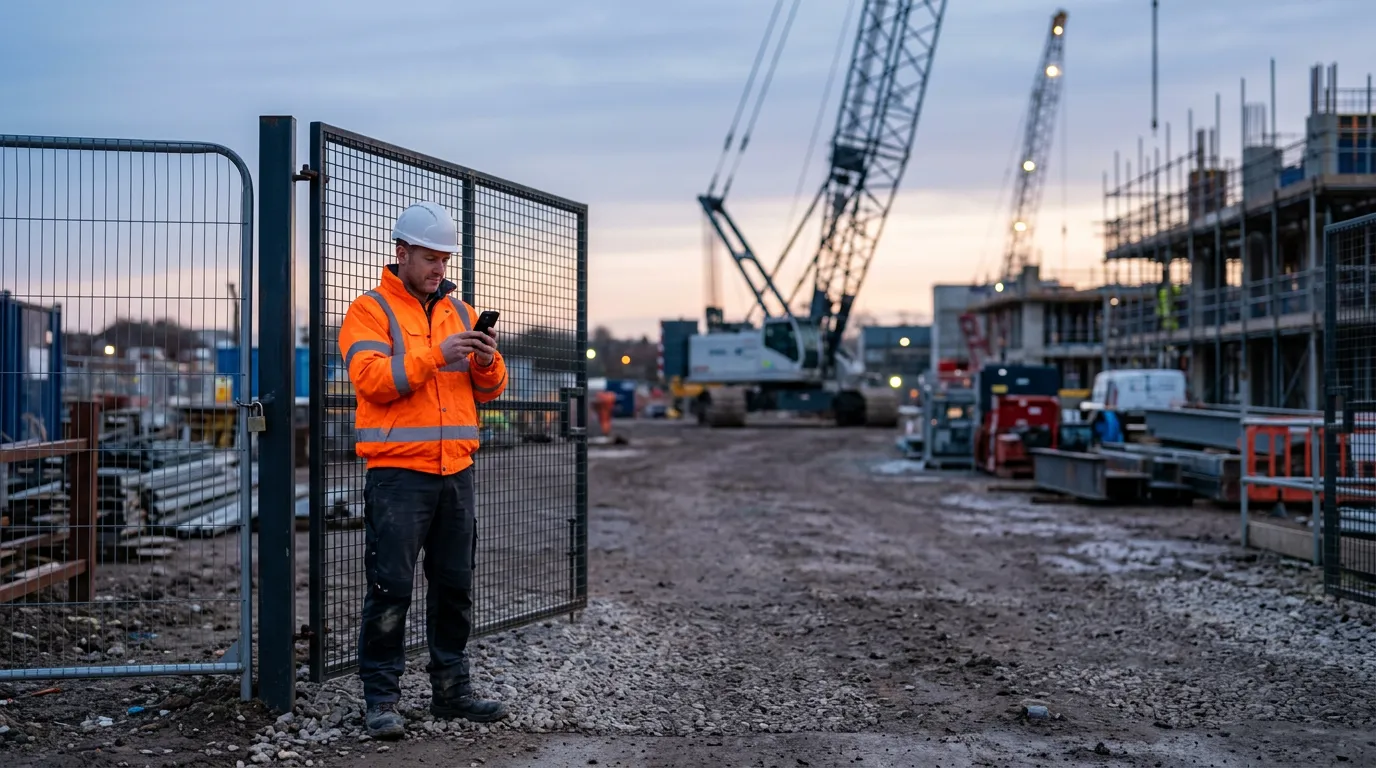
Buddy punching is the American name for the same thing, and you will see it used in most of the software marketing on the subject. Whatever it is called, it thrives where the workforce is somewhere other than the office: building sites, cleaning and security contracts, care visits, facilities work across several locations. The manager signing off the timesheet was not there to see who turned up, so the timesheet is an assertion rather than a record.
Most of the time the cost is not dramatic fraud. It is twenty minutes here and there, a colleague covering for someone stuck in traffic, a sign-in sheet filled in at the end of the day. It adds up quietly, and it makes it very hard to challenge a disputed timesheet, a client query about who attended, or a health and safety question about who was on site when something happened.
How to stop buddy clocking: what each method actually proves
- Paper sign-in sheet. Proves somebody wrote a name down. Easy to fill in for a colleague, and easy to fill in later.
- PIN on a terminal. Proves somebody knew the PIN. PINs are shared within days.
- Card, fob or NFC tap. Proves the card was present. Better, and the cards often already exist as staff ID, but a card can be handed to a colleague.
- QR code on the staff ID card. The same proof as a card tap, readable with any phone camera. Useful where a phone cannot read the card itself, as some iPhones cannot read certain older card types.
- Clocking in app with GPS. Proves the person's phone was at the location. Phones can be handed over too, but it shuts out the "signed in from the car park down the road" problem.
- Fingerprint or face. The only options that tie the check to the person's body. Also the only ones that bring in special category data, and with it a much stricter legal test.
For a lot of businesses the honest answer stops at the card plus GPS. Biometrics are for where the cost of not knowing is high enough to justify them, and you can show it.
A face match alone proves a photograph was there
This is the part most suppliers leave out. Standard face matching compares the picture it is given against the face it has on file. It does not check that the picture is of a living person standing in front of the phone. Hold up a printed photograph of the right person and a plain face match will pass it.
So the line we now use is: a card proves a card was present, a face proves a photo was present, and only a face plus a live challenge proves a person was.
A live challenge asks the person to do something a photograph cannot, in a random order, while the camera watches. Getting that to work with real people outdoors took us several attempts on a recent build. Asking for a smile failed, because the classifier regularly decided an ordinary smile was not one, and only an exaggerated grin passed. Asking for a blink was useless, because nobody can read an on-screen prompt with their eyes shut. Head movements worked: turn left, turn right, look up, each measured against how the person was holding their head a moment before, so somebody who simply stands with their head already turned cannot pass.
If you are buying a facial recognition clocking in system, ask the supplier one question: what happens if I hold up a printout? If they cannot answer clearly, the system proves less than it appears to.
Fingerprint and facial recognition clocking in: what the ICO says
On 23 February 2024 the ICO issued enforcement notices to Serco Leisure and seven associated leisure trusts, ordering them to stop using facial recognition and fingerprint scanning to monitor the attendance of more than 2,000 staff across 38 sites, and to destroy the biometric data they were not legally obliged to keep. The reasons are the most useful test any employer has:
- Necessity was not shown. The ICO said Serco had not shown why biometrics were necessary when "less intrusive means" such as ID cards or fobs were available. Saying staff abused the old system was not enough without evidence.
- No genuine alternative. Staff had not been proactively offered another way to clock in, and the scan was presented as a requirement for getting paid.
- The power imbalance. Because of the relationship between employer and employee, staff were unlikely to feel free to say no.
The ICO's guidance says the same thing in plainer terms. Biometric data used to identify someone is special category data. You must complete a DPIA before using a biometric recognition system. If you rely on consent, you must offer a suitable alternative, and the ICO says it is likely to be very hard to justify biometric access control without one. Storing a mathematical template instead of the photograph is good practice and worth doing, but the template is still biometric data. It does not take you outside the rules.
As of October 2026 that position has not changed. The Data (Use and Access) Act 2025 did not alter the rules for biometrics at work, although the ICO has marked its biometric and worker-monitoring guidance as under review because of the Act. Check the current versions before you decide: ICO biometric data guidance and the Serco Leisure enforcement notices.
Notice what the ICO named as the less intrusive option: ID cards. The cards most site-based businesses already issue are both the compliance alternative and, as it turns out, a useful part of a biometric system.
What a staff attendance tracking system that holds up looks like
We recently delivered site check in and check out for a UK business with staff spread across many locations. Some of the design choices are worth copying whatever system you use:
- The photograph is not kept. The face is turned into a template and the capture is discarded. The only image the process stores is the person's consent signature.
- Consent is recorded against the exact wording. Each person's consent is stored with the version of the statement they agreed to, so if the wording changes you know who agreed to what.
- Nobody can register someone else's face. Registration is checked against the photo already on the person's staff ID card, so the card becomes the anchor for the biometric.
- A way through when the face check fails. After three failed attempts it steps down to tapping the ID card, then the QR code on the card, then signing in with a GPS location as the last resort. There is an "I don't have my card" option too, and every step down is recorded, so a manager can see who checked in how.
- Check out takes care of itself. While someone is checked in, the app notes where they go and checks them out when they leave the site area, so the "forgot to clock out" timesheet stops being a weekly correction.
One thing to be careful of. A fallback for when the face check does not work is not the same as an alternative for someone who does not want to use it. If you rely on consent, the card route has to be available by choice, without penalty, not just on failure. That is a policy decision as much as a software one, and it belongs in your DPIA.
Location needs the same care. The ICO's monitoring guidance expects you to tell people what is tracked, use the least intrusive method that achieves the aim, and keep monitoring to working time. Recording location only while someone is checked in, and never after they leave, is the sensible line.
What none of this can do
- It cannot prove someone was working, only that they were there.
- A phone-based check depends on a working phone, a GPS fix and a camera that can see a face. Bad light and cracked screens are real, which is why the fallback matters.
- It does not make biometrics lawful for you. Your DPIA, your evidence of necessity and the alternative you offer do that.
Where to start
Write down the problem in numbers first: how many disputed timesheets, how many hours, which sites. That is your evidence of necessity if you ever need biometrics, and it often shows a card and a GPS-checked clocking in app will do the job without them.
We build attendance and site check in into existing staff apps and back-office systems as part of our mobile app development and bespoke software work. If you are weighing up how to prove who was on site, book a call and we will tell you which of these you actually need.