
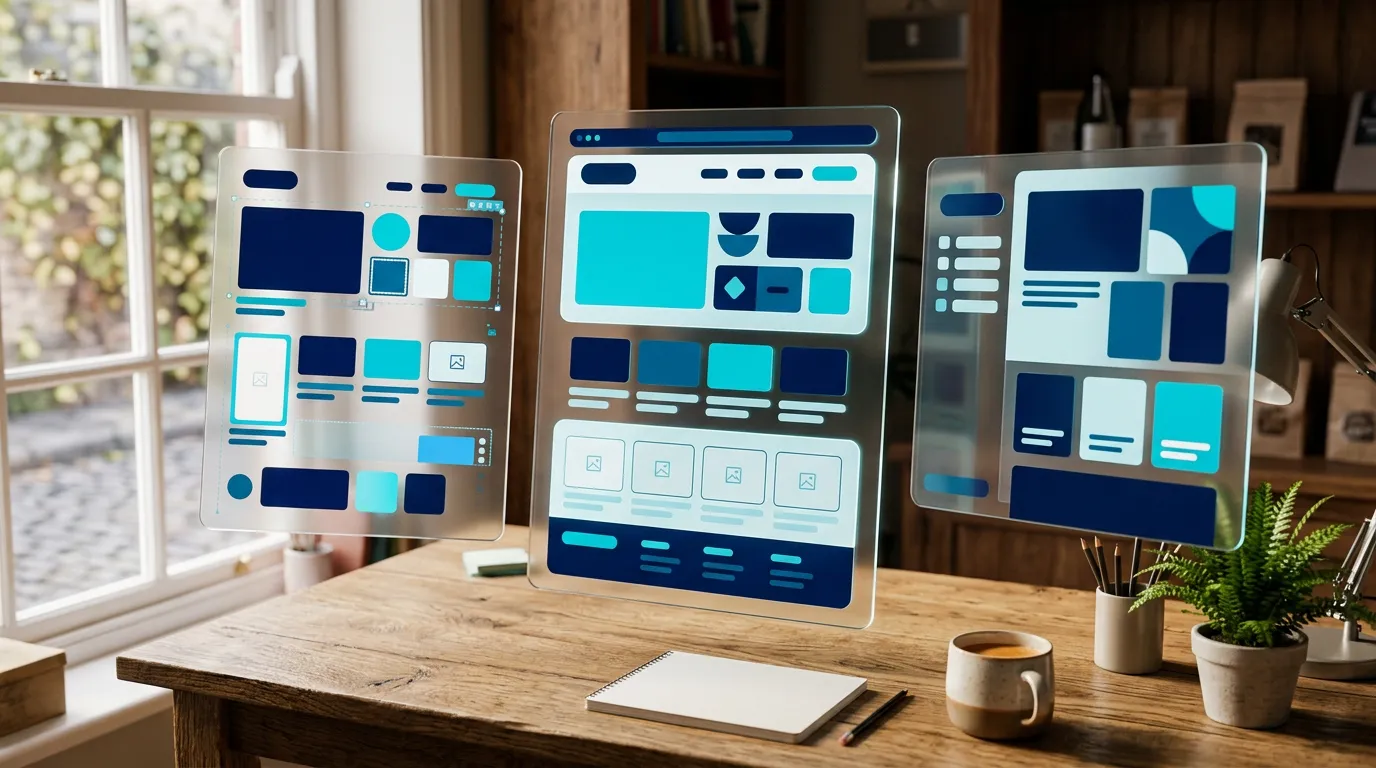
The best website builder for small business in the UK depends less on which brand you pick and more on who is going to do the work. There are three kinds on offer: a DIY website builder you build and look after yourself, a web designer who builds it for you, and a managed platform where a team sets it up and keeps it running while you change the content. Each is the right answer for some businesses and the wrong one for others.
This guide explains the three, what each really costs once you count your own time, and the questions that tell you which one fits your business.
The three kinds of website builder for small business
1. A DIY website builder. Wix, Squarespace and the builders that hosting companies such as Fasthosts and GoDaddy offer all work the same way. You pick a template, drag blocks into place, add your words and photos, and pay a monthly plan that includes the hosting. They are quick to start and cheap to run. The catch is that you are the designer, the editor and the person who fixes it, for as long as you have the site.
2. A web designer or agency. Someone builds a site around your business, very often on WordPress. You get something that looks like you rather than a template, but you usually pay a build fee up front, and changes, updates and fixes are either a monthly plan or a bill each time. We wrote about where that road can lead in can you run your whole business on WordPress?.
3. A managed website platform. The middle ground. A team sets the site up for you in your branding, then hosts it, updates it and supports it, and you edit the pages yourself in a simple editor. You pay a fixed monthly fee rather than a build bill. Our own blu::web is one of these, so read what follows with that in mind; we have tried to be fair to the other two.
What to look for in a small business website builder
Whichever kind you are leaning towards, these are the questions that separate a website that works for the business from one that quietly becomes a chore.
- Can you change it yourself in five minutes? Opening times, a new photo, this month's offer. If every small change means an email to somebody and a wait, the site will go out of date.
- Who keeps it updated and secure? Every website runs on software that needs updates, and somebody has to own that. With a DIY builder the provider handles the platform but the content and settings are yours. With a designer it depends entirely on the plan. Our guide to website maintenance cost covers what that work should include.
- Who do you ring when it goes wrong? A help centre and a chat bot, or a person who knows your site?
- Can customers find it? Look for control over page titles and descriptions, a sitemap for Google, and the ability to redirect old addresses when pages move. Without these a good-looking site can be close to invisible.
- Where do enquiries go? Contact and newsletter forms should arrive somewhere you will actually see them, not in an inbox nobody checks.
- Can you leave? Most builders don't let you take the site itself somewhere else; at best you can export some of the content. That's not a reason to avoid them, but it's worth knowing before you spend months building. Ask the question of any provider, including us.
- Will it grow with you? If you might sell online, take bookings or send email campaigns later, check whether that is built in, an add-on you pay for, or a different system altogether.
Is a DIY website builder enough for a small business?
Often, yes. If you are a sole trader or a very small firm, you need a few pages that say who you are and how to get in touch, and you enjoy doing it yourself, a DIY builder is a sensible choice. You will get something presentable for a small monthly sum, and nobody needs to be paid to make changes.
It starts to struggle when the website has to do more of the selling. The template that looked fine at launch looks like a thousand other sites. The add-ons pile up, each with its own login and bill. And the hours you spend on it are hours not spent on the business, usually at the moments you can least spare them.
The cheapest website builder isn't always the cheapest website
When you compare prices, add up the whole year, not the headline monthly figure.
- The plan itself, and what it rises to after any introductory offer.
- Your domain name, which is often free for the first year only.
- Business email addresses, which are frequently a separate charge.
- Add-ons and apps for bookings, forms, reviews or a shop.
- Payment fees if you take money online.
- Your own time, which is the cost nobody puts on the pricing page. Two hours a month at what your time is worth soon outweighs the difference between plans.
What about AI website builders?
Most builders now offer to write your first draft with AI, and some will produce a whole site from a short description. That's genuinely useful for getting past a blank page. It doesn't change any of the questions above: someone still has to check the words are right, keep the site updated and answer the phone when it breaks. We went into this in more detail in how do I make a website using AI?.
Where a managed platform like blu::web fits
We built blu::web for businesses that want to edit their own website but don't want to be its technician. Here is what it is, and what it isn't.
- Set up for you. We build your site in your branding after a short demo, so you start with something finished rather than a template.
- You edit the content. Pages are made from ready-styled sections you can add, reorder and change without touching code.
- One fixed price. £50 a month plus VAT, with hosting, updates, security and UK support included, unlimited users and no annual contract.
- Found by search engines. Page titles, descriptions, a sitemap and redirects are built in, along with contact and newsletter forms.
- AI when you want it. Add blu::clive and it will draft page content and page titles for you, inside your own site.
- Grows with you. Online selling, email campaigns and other modules plug into the same platform when you need them.
What it isn't. It's not a sign-up-tonight builder: we set each site up, so there is a conversation first. There is no plugin marketplace to bolt extras onto; if you need something it doesn't do, that's a conversation with us. And AI or not, someone in your business still needs to own the words on the site.
How to choose: a quick guide
- Small budget, simple site, happy to do it yourself: a DIY website builder.
- Something truly bespoke, with budget for a build and ongoing support: a web designer or agency.
- You want to edit it yourself, but want someone else to host, update and support it for a fixed monthly fee: a managed platform.
If the last one sounds like you, tell us a little about your business and we'll set up a demo of blu::web so you can try it on your own content before deciding anything.